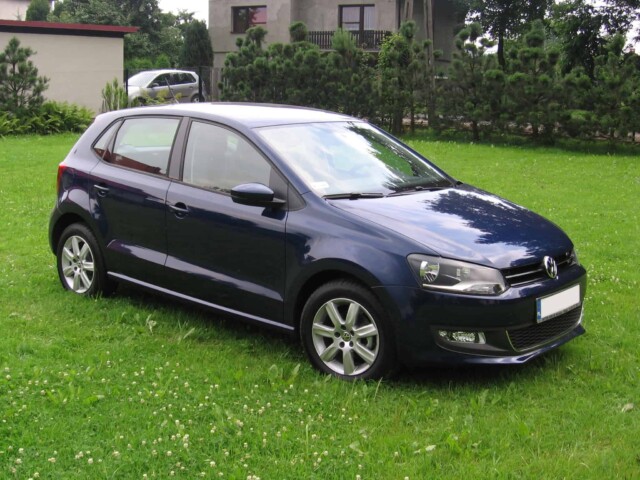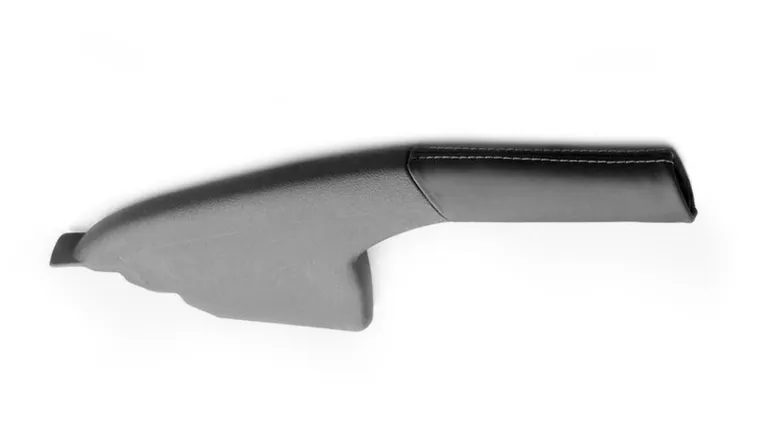
How to remove handbrake from a Polo 6R
1. Push button
- Pulling off
Will be destroyed when pulling off; must be renewed.- Push onto handbrake lever push rod and ensure both locking lugs are engaged by pulling slightly.
2 – Handbrake lever trim
- Lever up release tab in rear lower area of handle with a screwdriver.
- Then pull off forwards (cover your RNS/RCD to avoid any damage to the screen due to flying buttons)
3 – Adjustment nut
4 – Compensator
5 – Handbrake lever
- Before removing, remove centre console
6 – Hexagon nut, 23 Nm
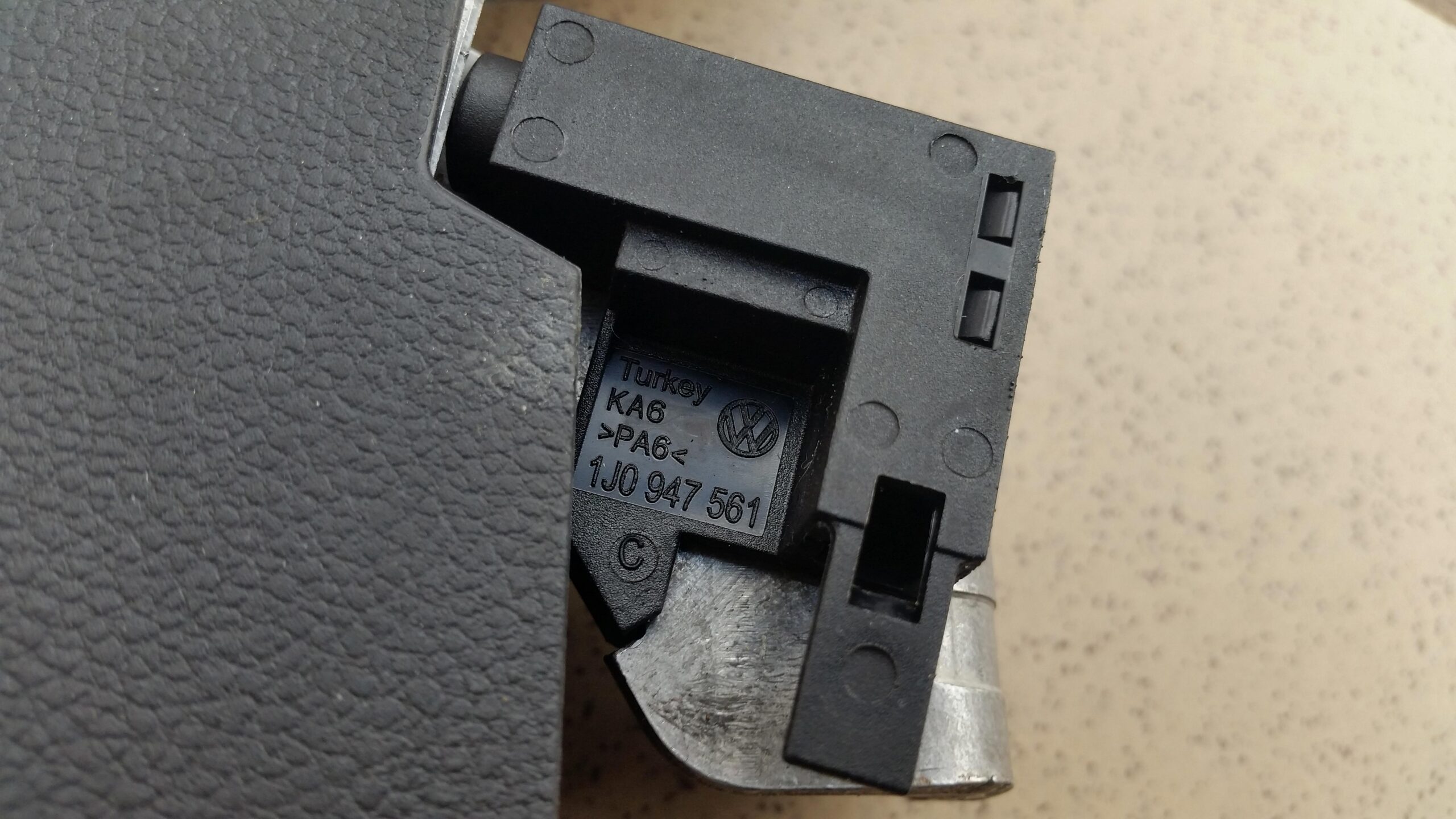
7 – Handbrake warning switch
8 – Rubber grommet
9 – Right guide tube
10 – Left guide tube
11 – Handbrake cables


Removing handbrake lever trim
To remove the handbrake trim, follow the above description to disassemble the handbrake lever trim (-2-) and push button (-1-).
The handbrake button will stretch out when you pull the grip forward. Before you need to release the grip on the bottom.
IMO you don’t need to use any pulling tool to remove the button.


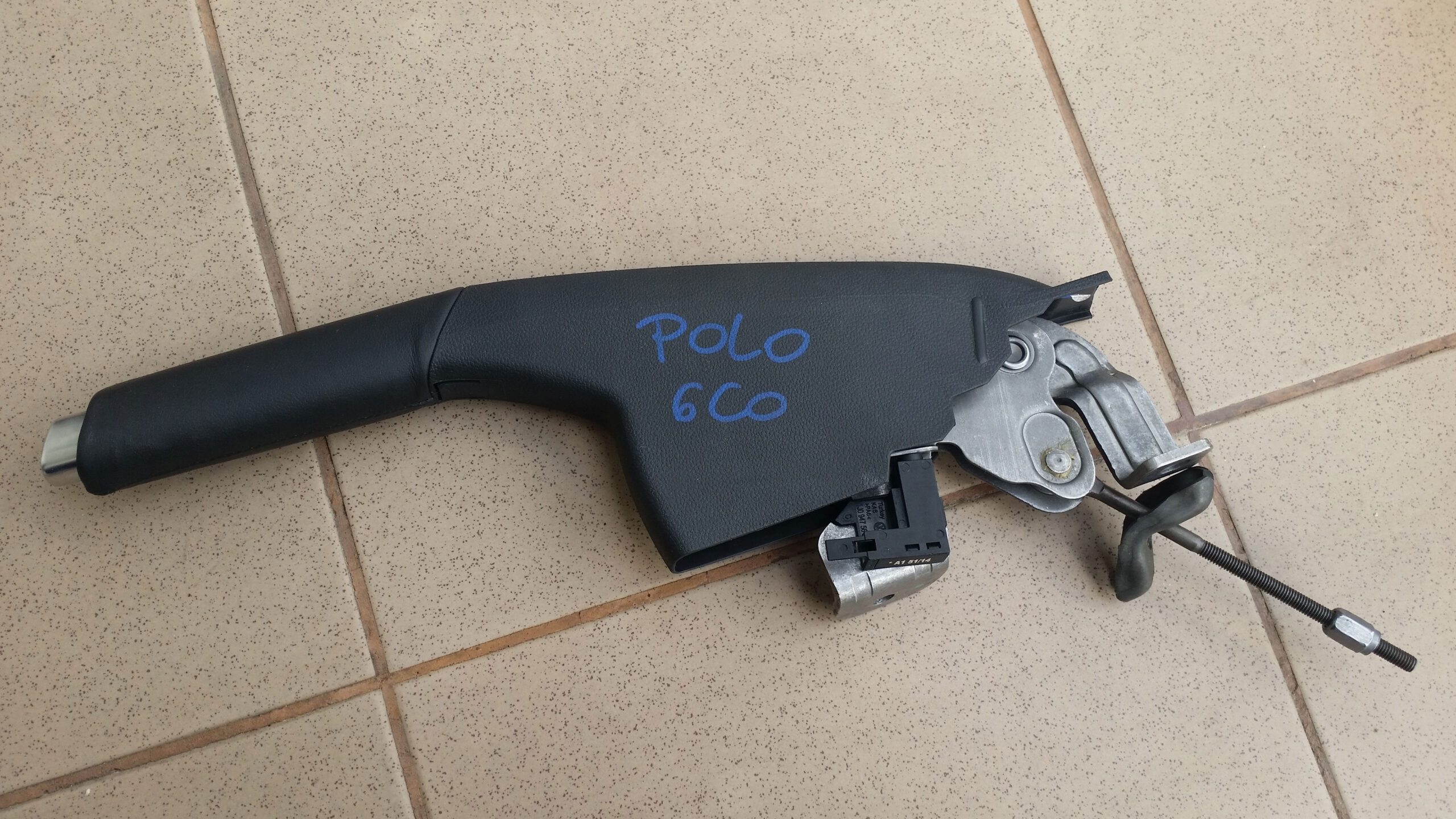



Removing hand brake cover cap
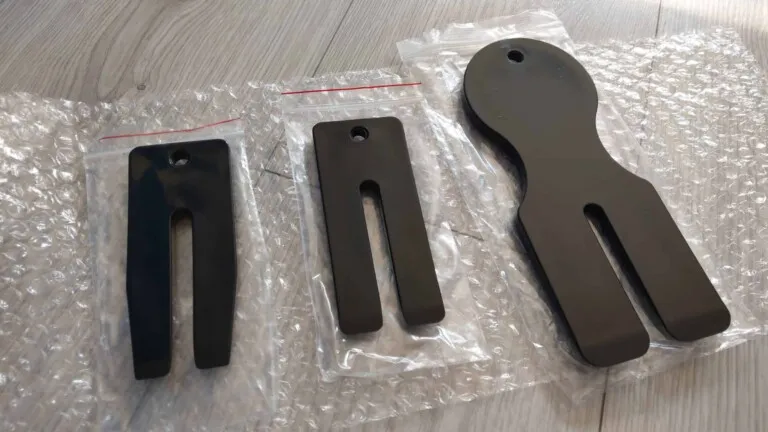
- Release cover cap -1- from centre console with wedge -T10383/1-.