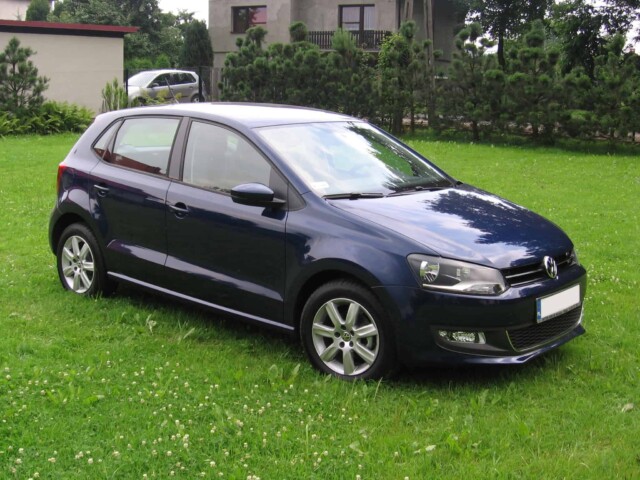
How to remove radio unit from a Volkswagen Polo 6R
Removing radio units and radio navigation systems
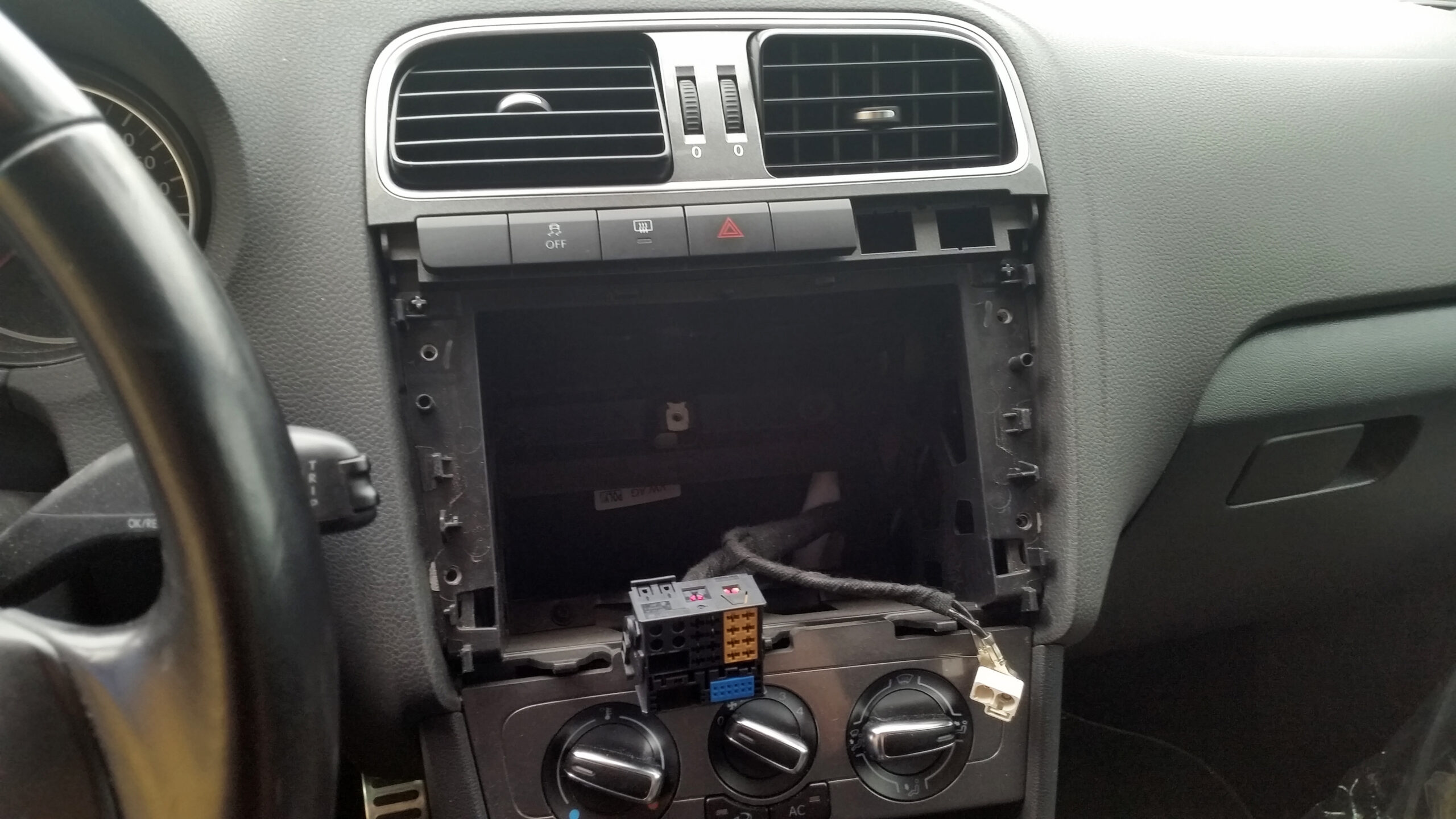
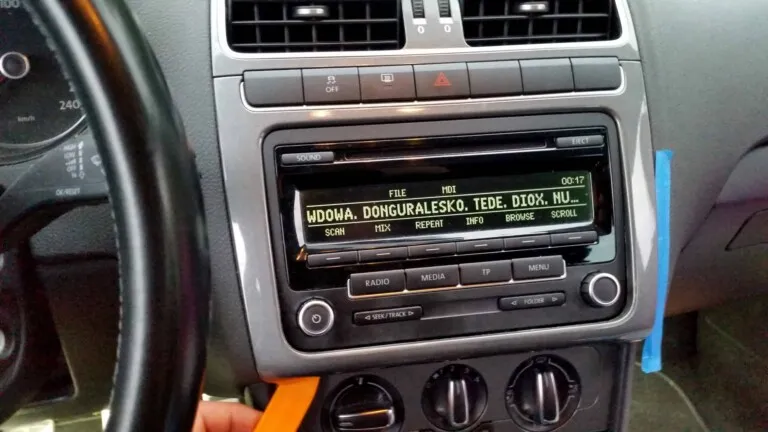
Firstly you need to remove dash panel iddle trims.
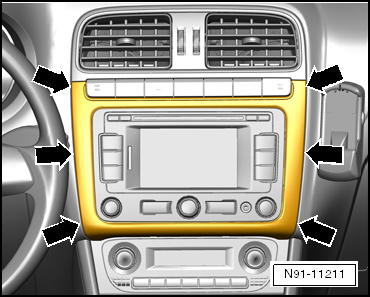
Using removal wedge -3409-, carefully lever out centre console cover in area of -arrows- and remove cover.
Remove bolts -arrows- from radio or radio navigation system.

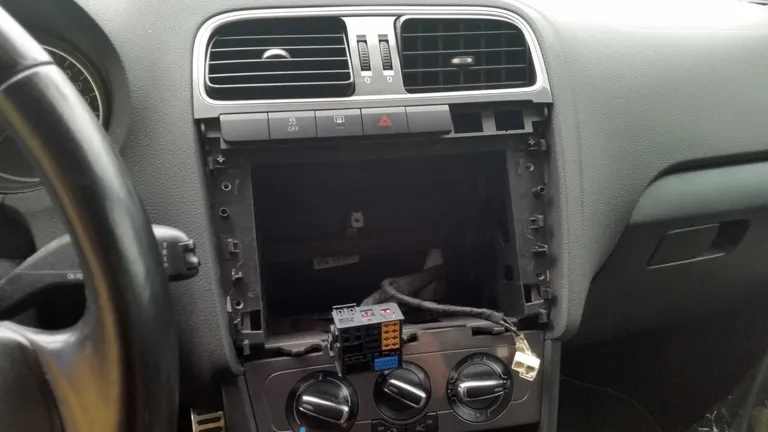
Pull radio or radio navigation system out of installation slot in direction of -arrows- far enough so as to allow access to the connectors on the back of the radio or radio navigation system.

Connectors at rear of unit:
- Multi-pin connector, Quadblock
- Blue aerial connector for navigation
- Aerial connector 1 for radio reception
- Aerial connector 2 for radio reception

- Press together connector locking mechanism in direction of -arrows-.

- Then swing locking bar up in direction of -arrow- and pull out connectors.

- Release connectors -arrows- on aerial connections and pull these out.
The number of connectors on the unit can vary according to the different radio or radio navigation systems.