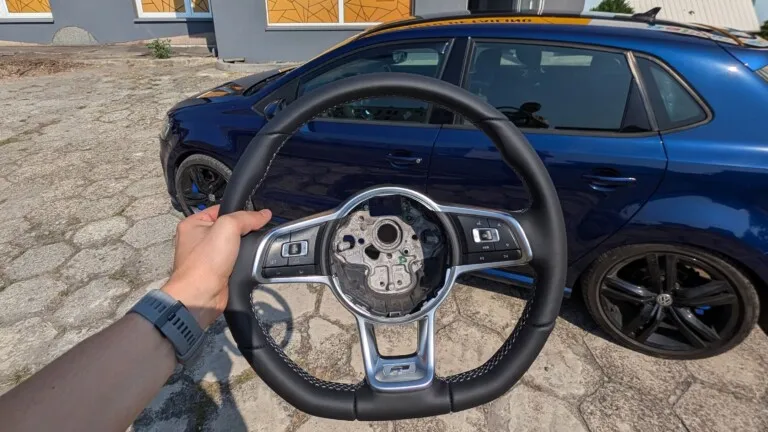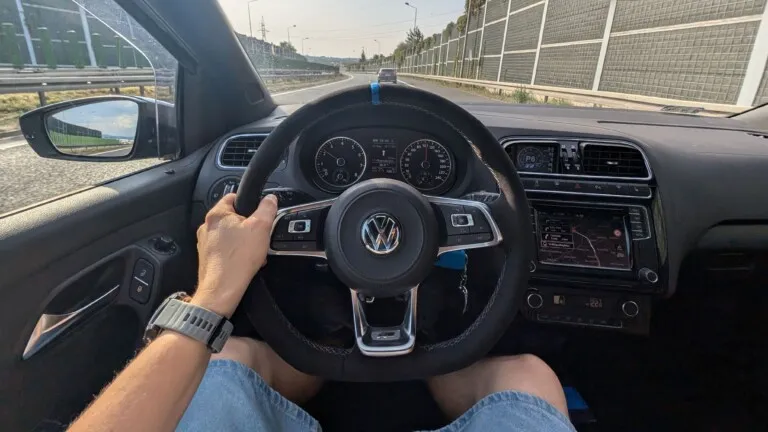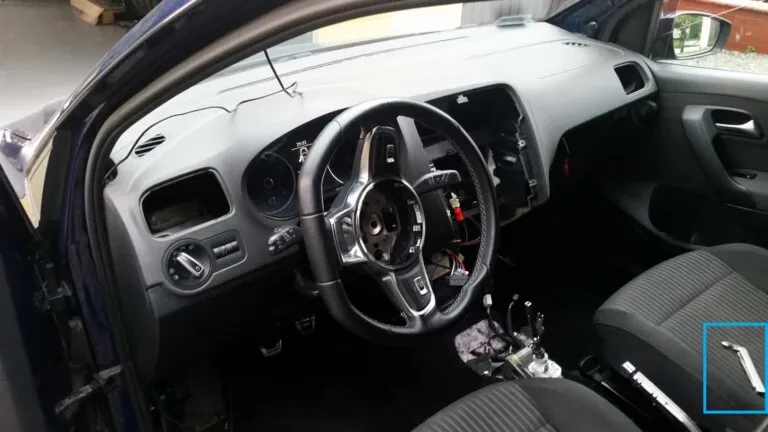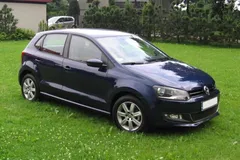
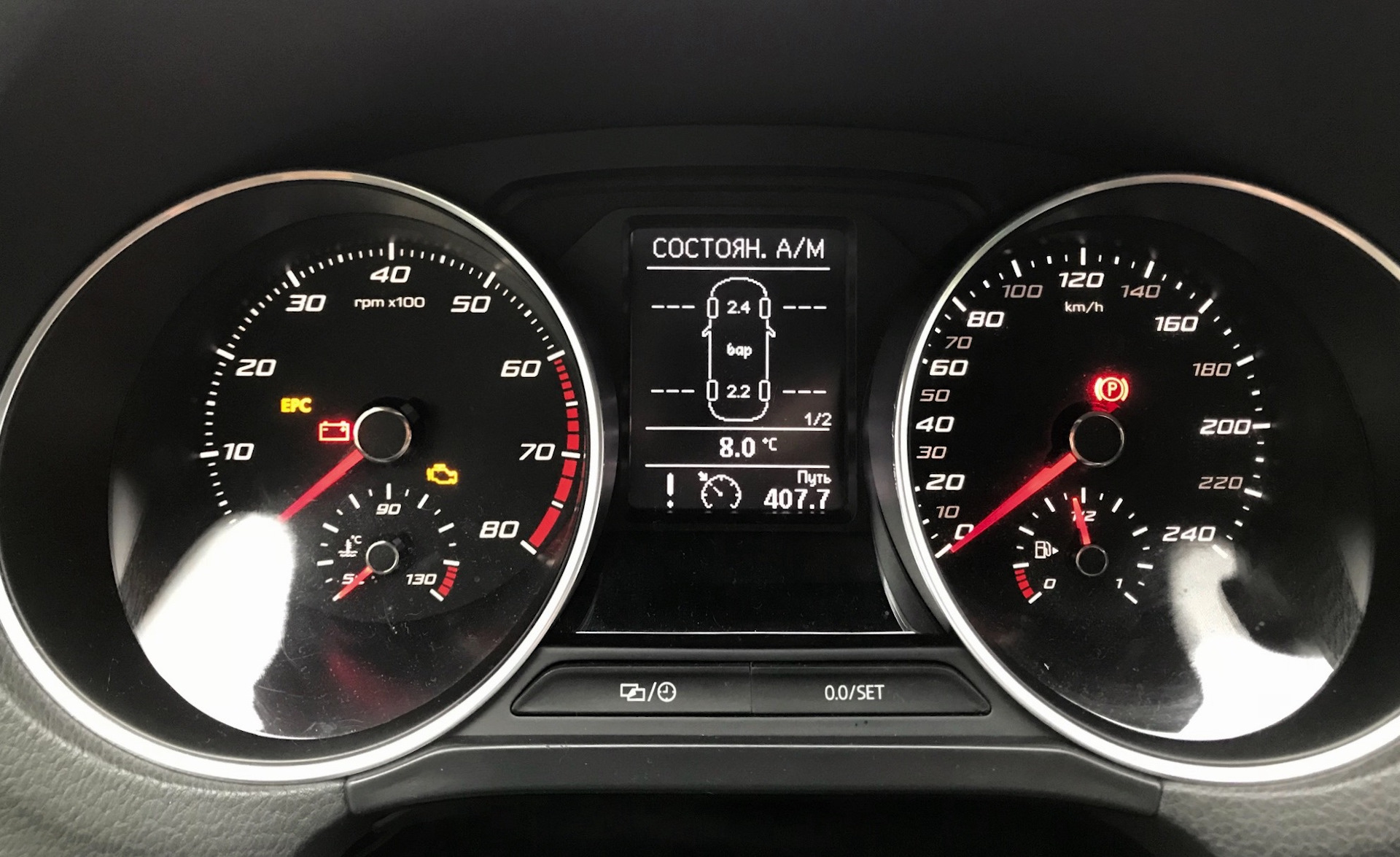
Plenty of Polo 6R owners have tried to get the steering wheel cruise control buttons working – they wired everything up per the T6 diagram, and nothing. An ECU fault, a warning light on the dashboard.
Even when the steering wheel CCS buttons in a Polo 6R are physically connected and working, the Euro 5 ECU can’t handle them. MaDwArLoCk found a great solution to this.
Why it doesn’t work natively
The CCS buttons on a PQ25 steering wheel talk to the BCM over the LIN bus. The problem lies in the ECU: the Euro 5 units fitted to the Polo 6R can’t handle the cruise control signal sent this way. Only a Euro 6 ECU (as in the Polo 6C) supports this protocol natively – ERWIN documentation confirms it. Wiring it up per the T6 diagram always ends the same way: the ECU logs a fault, because it doesn’t understand the LIN signal from the steering wheel. It’s not a wiring mistake – it’s a fundamental difference in the engine control unit’s software.
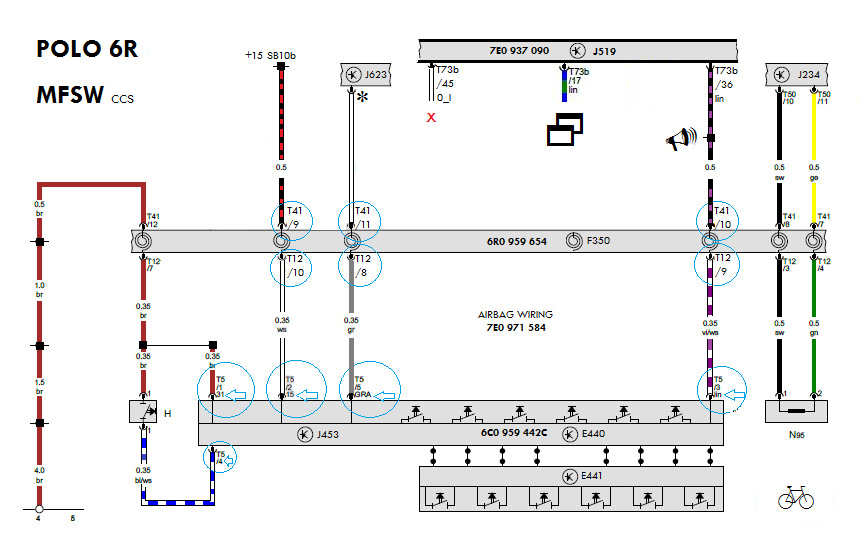
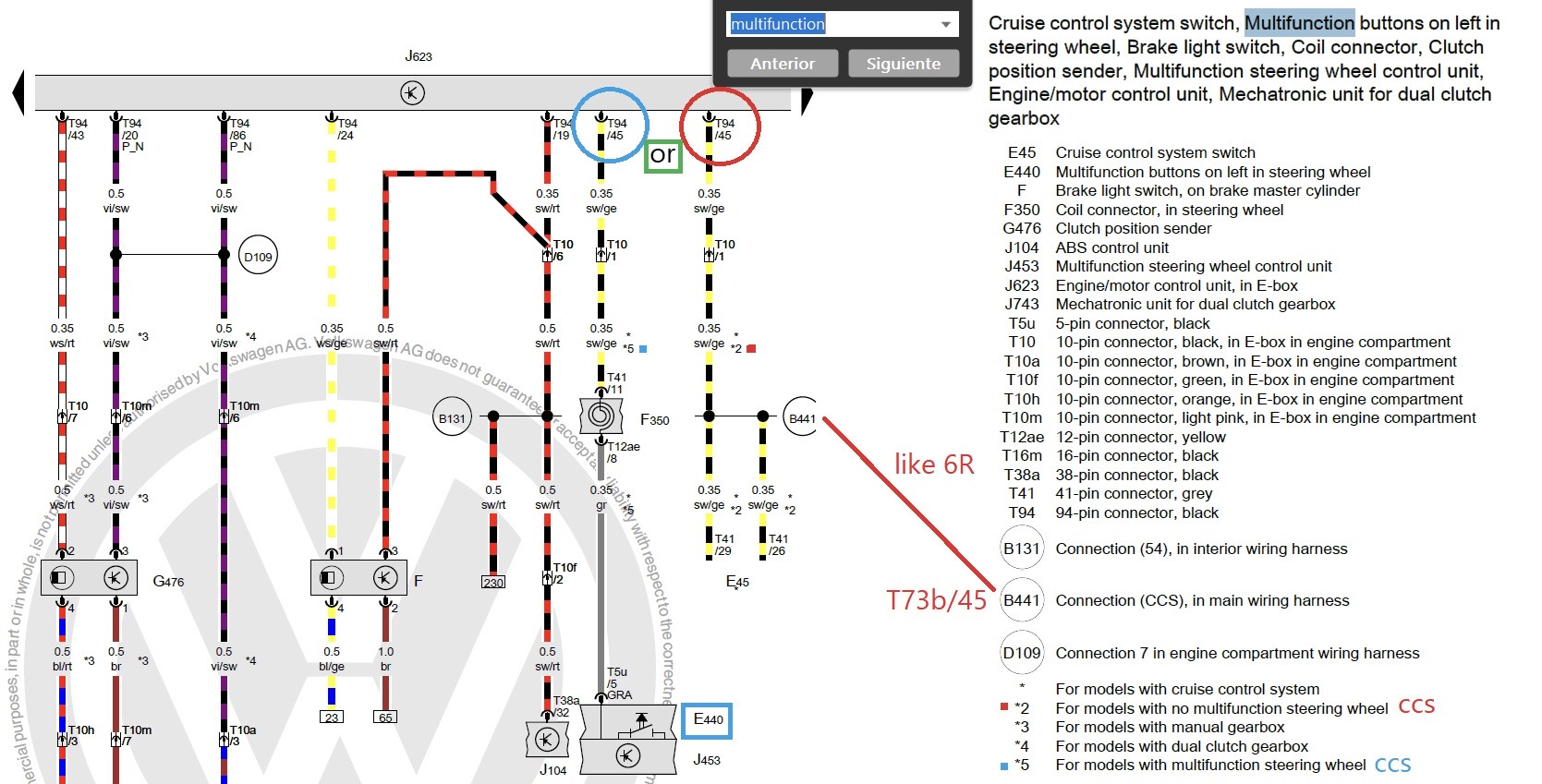
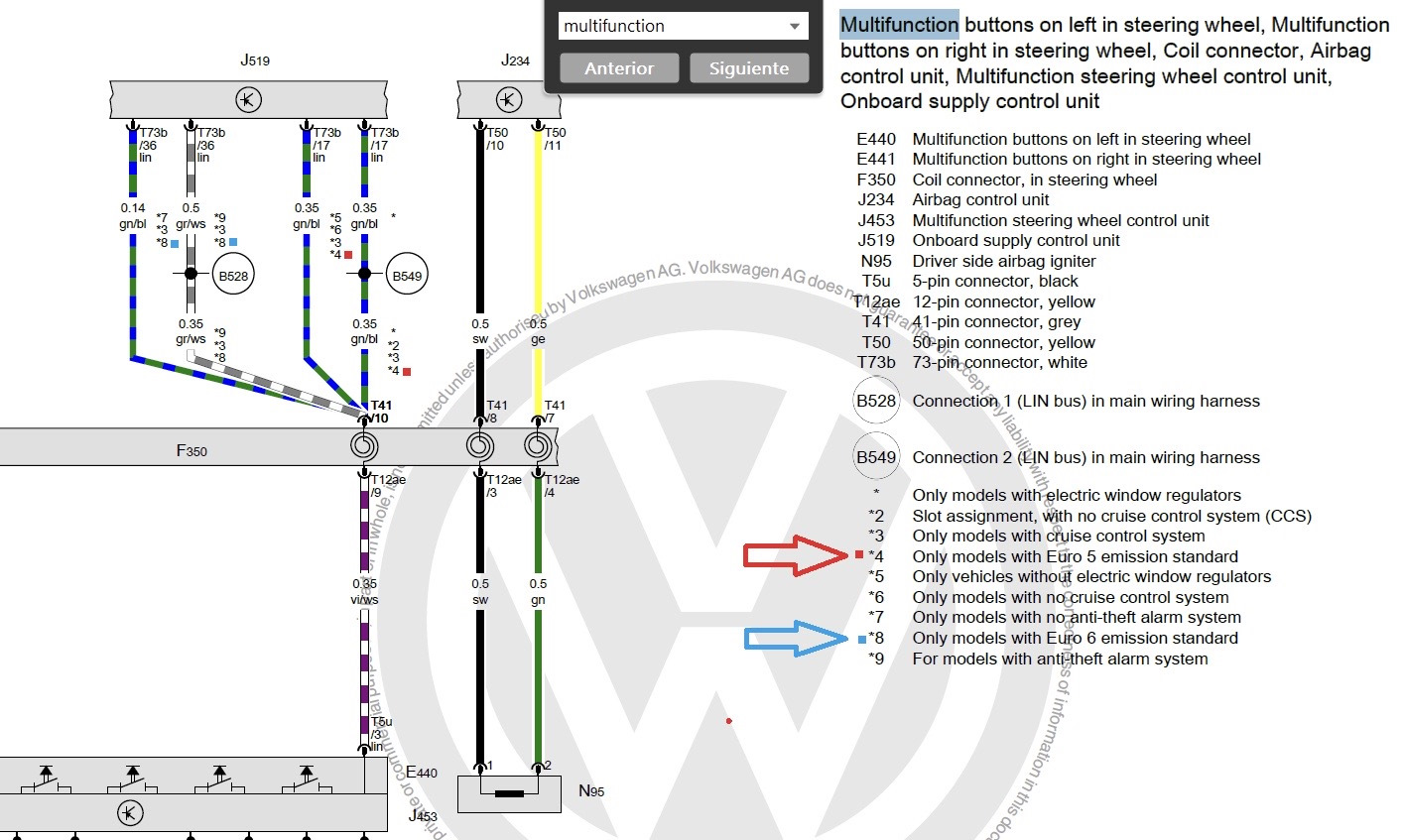
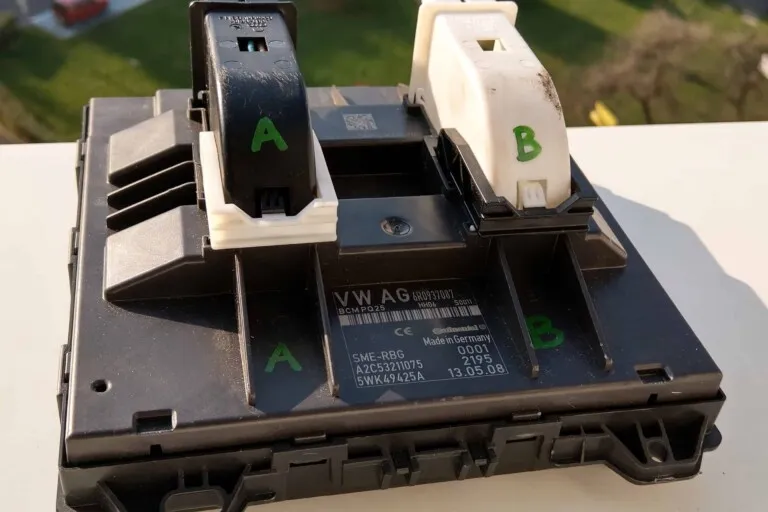
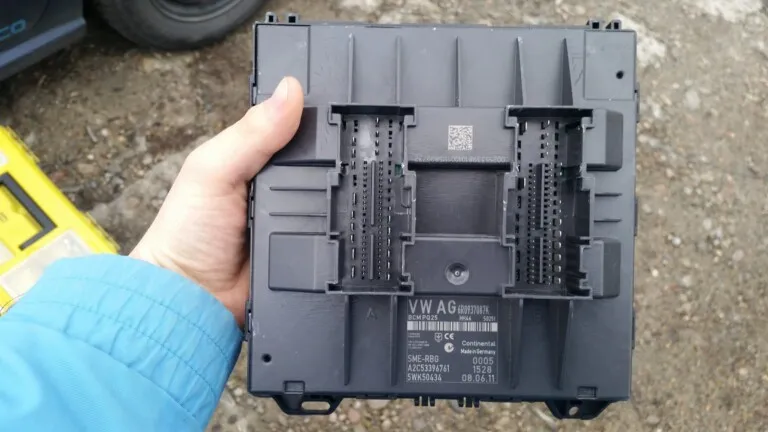
One more constraint: cruise control itself on PQ25 is only supported by a High+ (087) BCM or higher. If you have a lower module, you’ll need to swap it first – details in the article PQ25 BCM info.
What the CCS emulator is and how it works
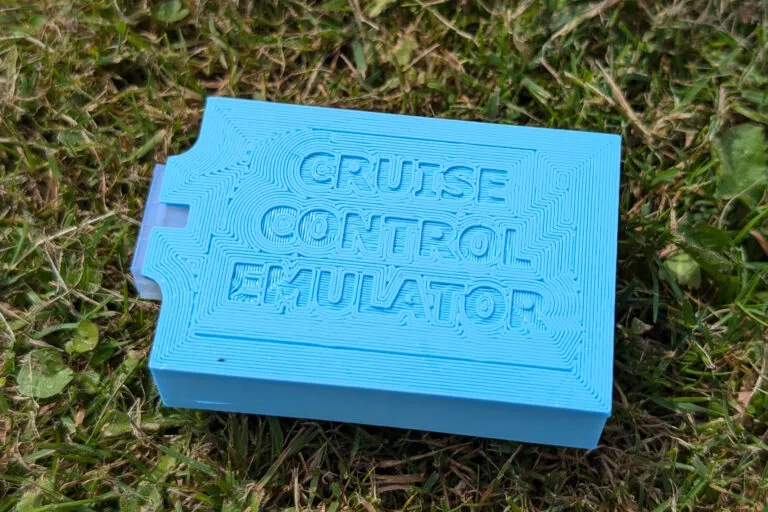
The CCS emulator is a device developed by MaDwArLoCk (Slavik) – owner of a Volkswagen CrossPolo MK5 from the Netherlands. The project took over 6 months, in collaboration with a programmer called „The-same”.
How it works: the emulator listens to the digital LIN signal from the steering wheel buttons and converts it into an analogue button press on the column stalk. In other words, it emulates a physical press of the CCS buttons on the stalk – which the Euro 5 ECU understands without any trouble. Hence the name: Cruise Control Emulator.
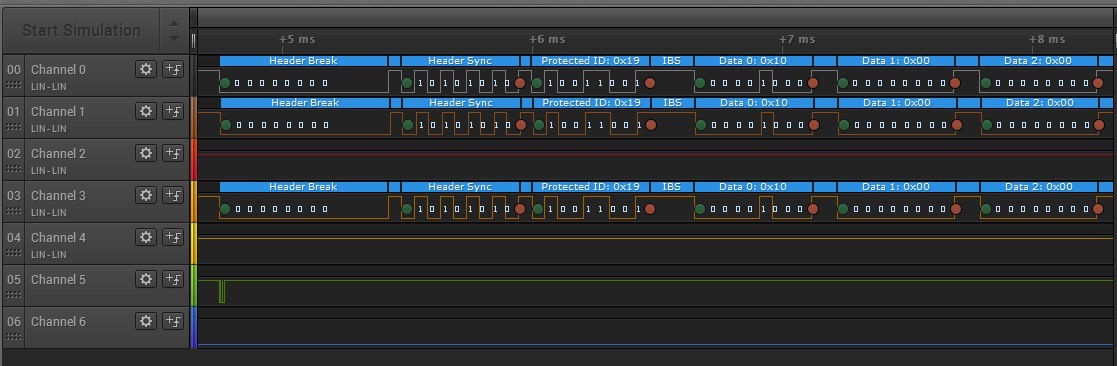
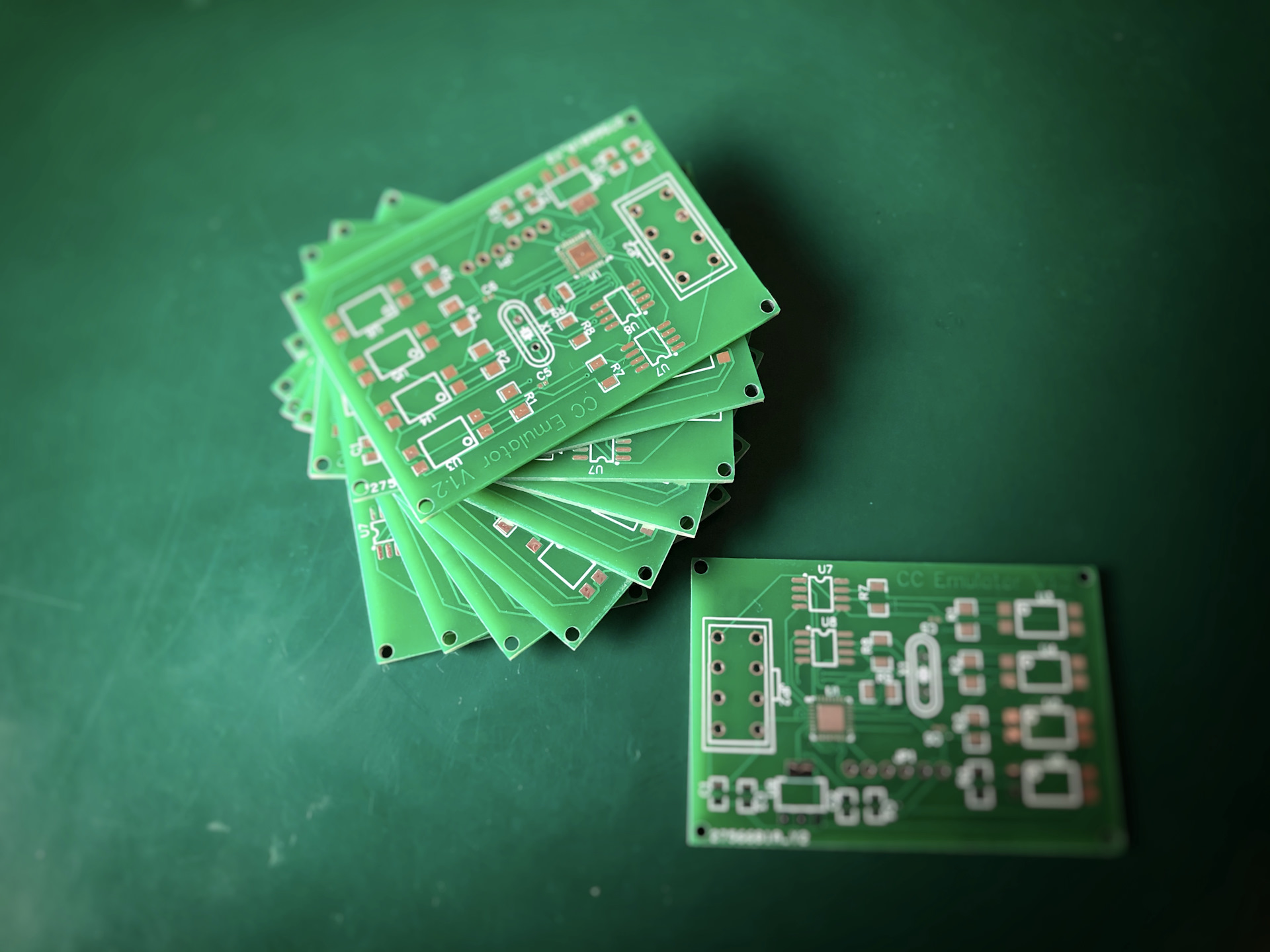
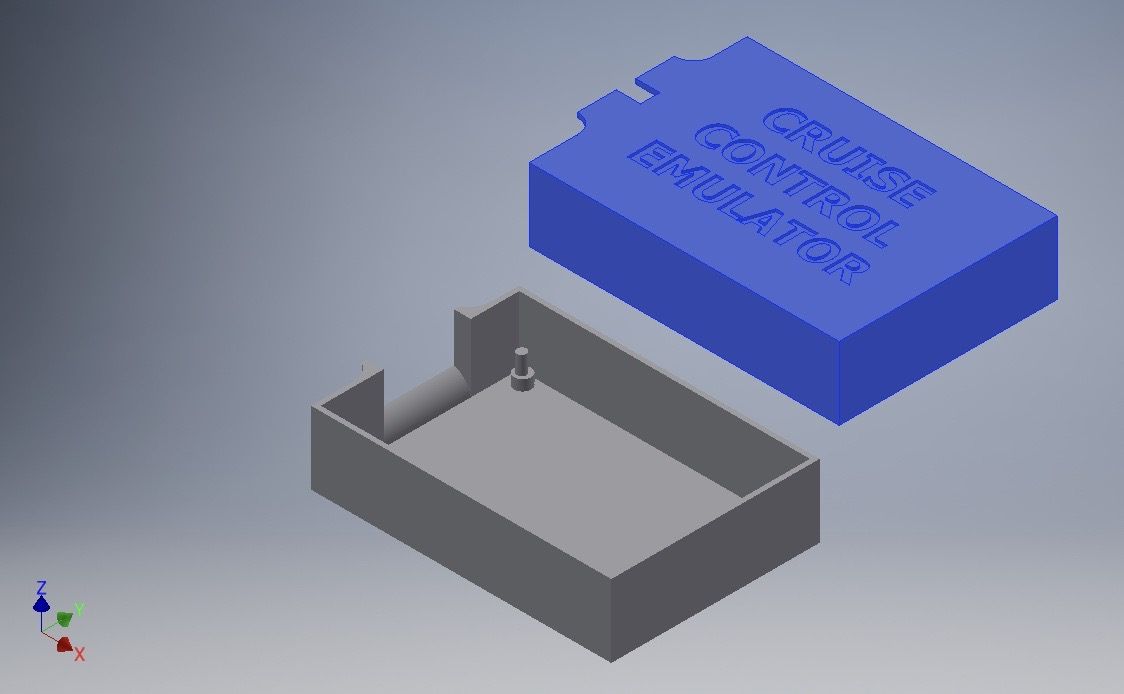
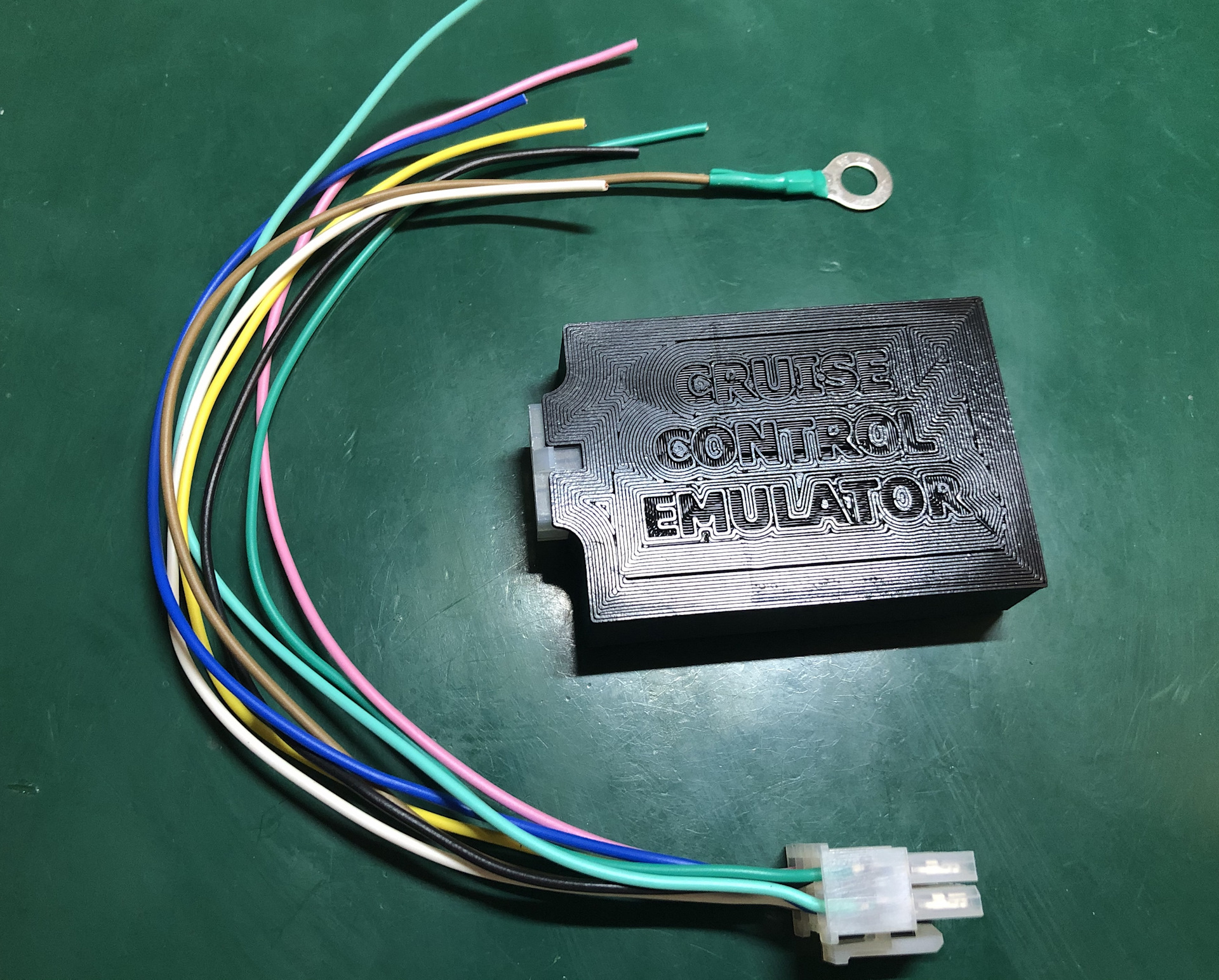
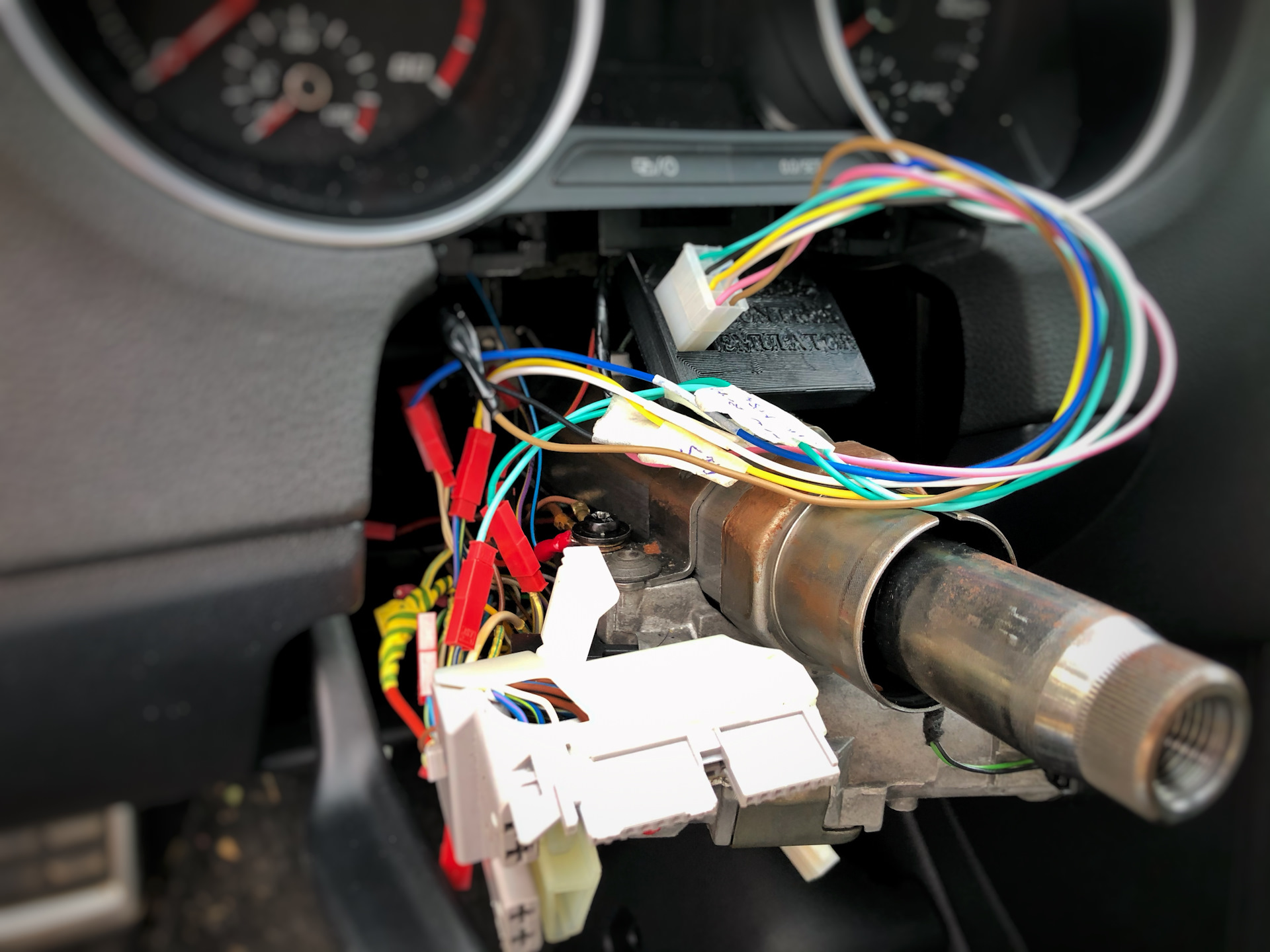
A logic analyzer was used to analyse the LIN signals, capturing and decoding the bus data packets. After successful bench testing (Arduino + logic analyzer) and a long debugging phase, a dedicated PCB was designed with a 3D-printed enclosure. The emulator connects to the existing cruise control wires at the T41 connector – no changes to the wiring loom required.
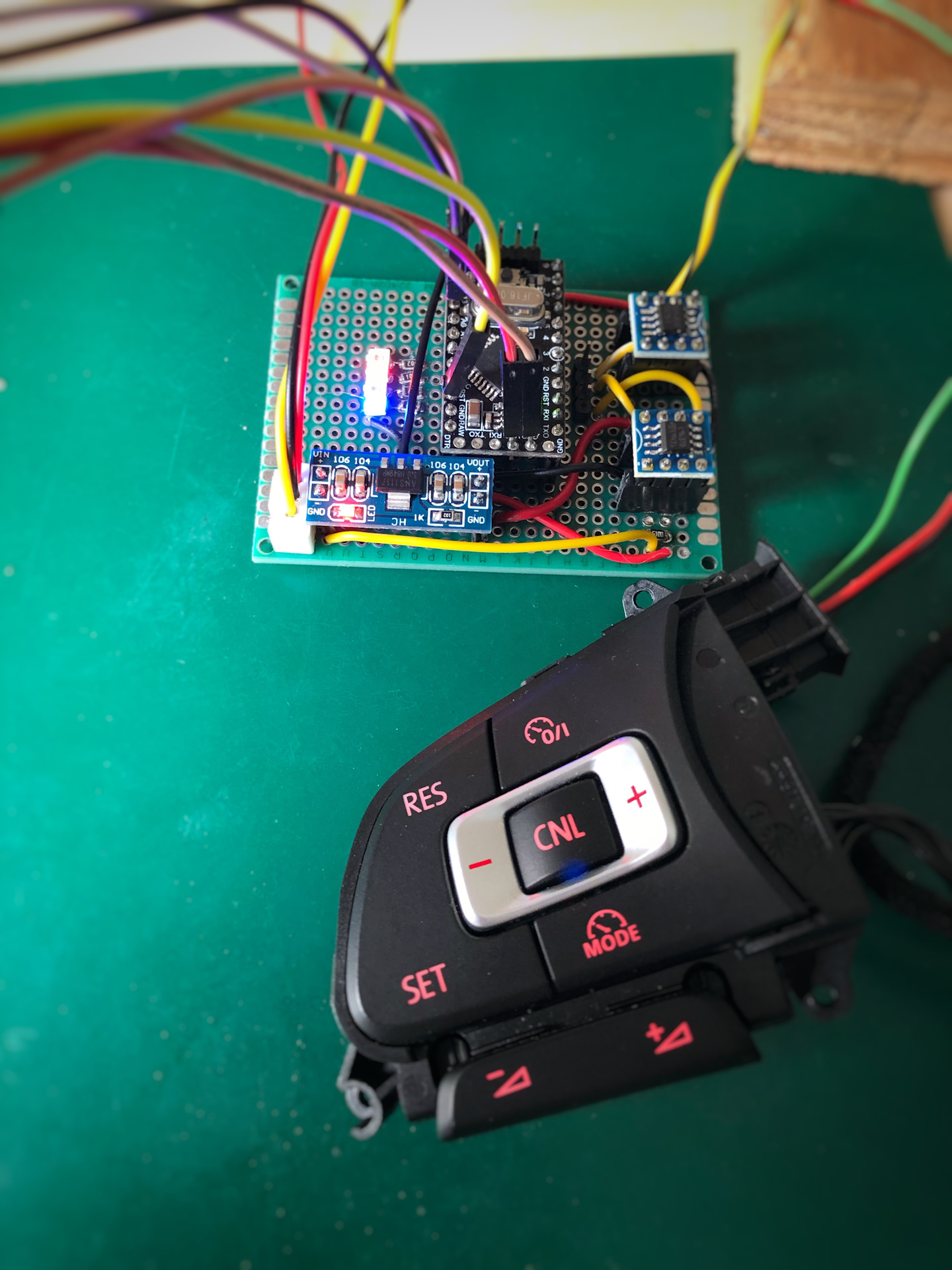
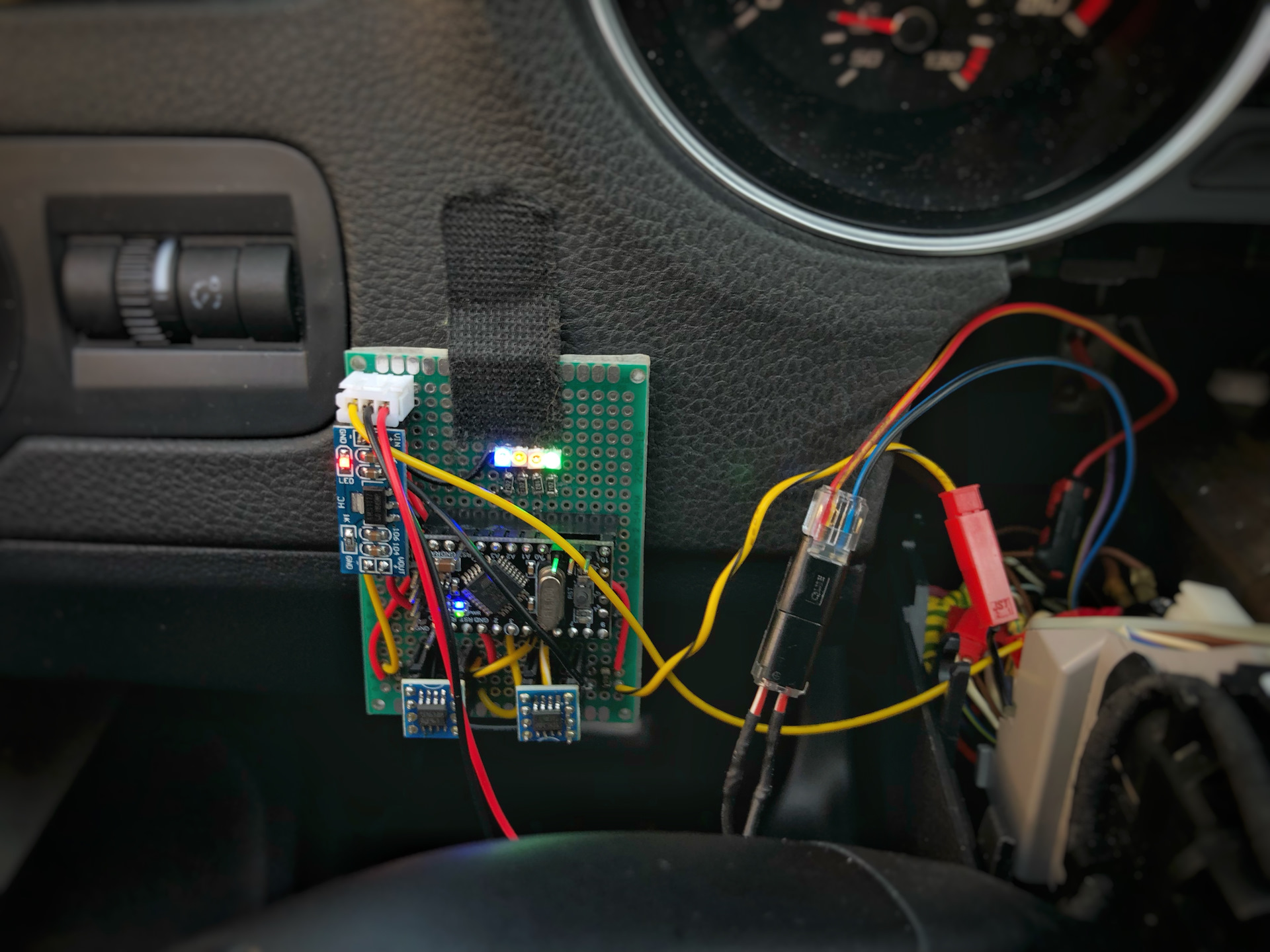
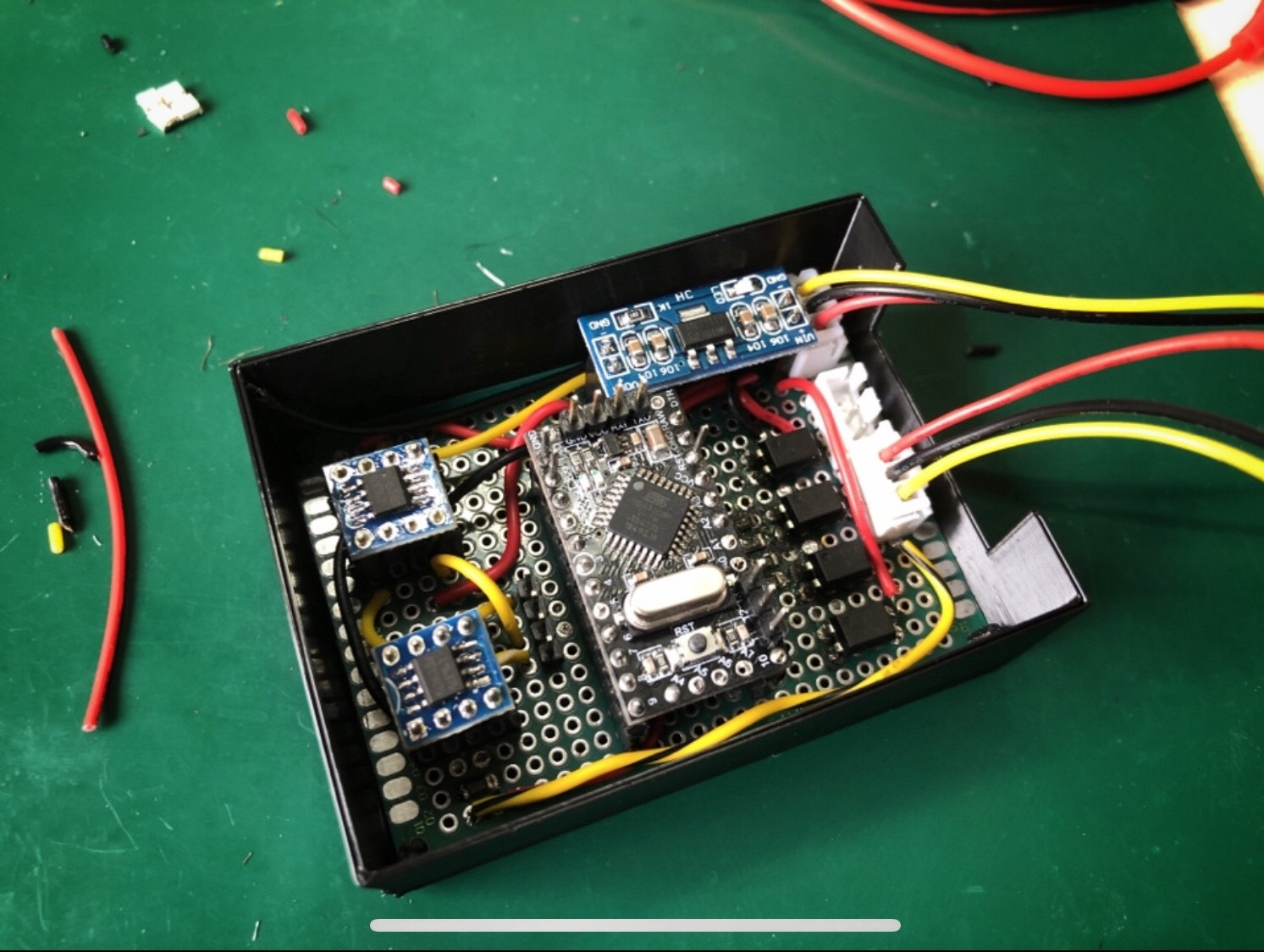
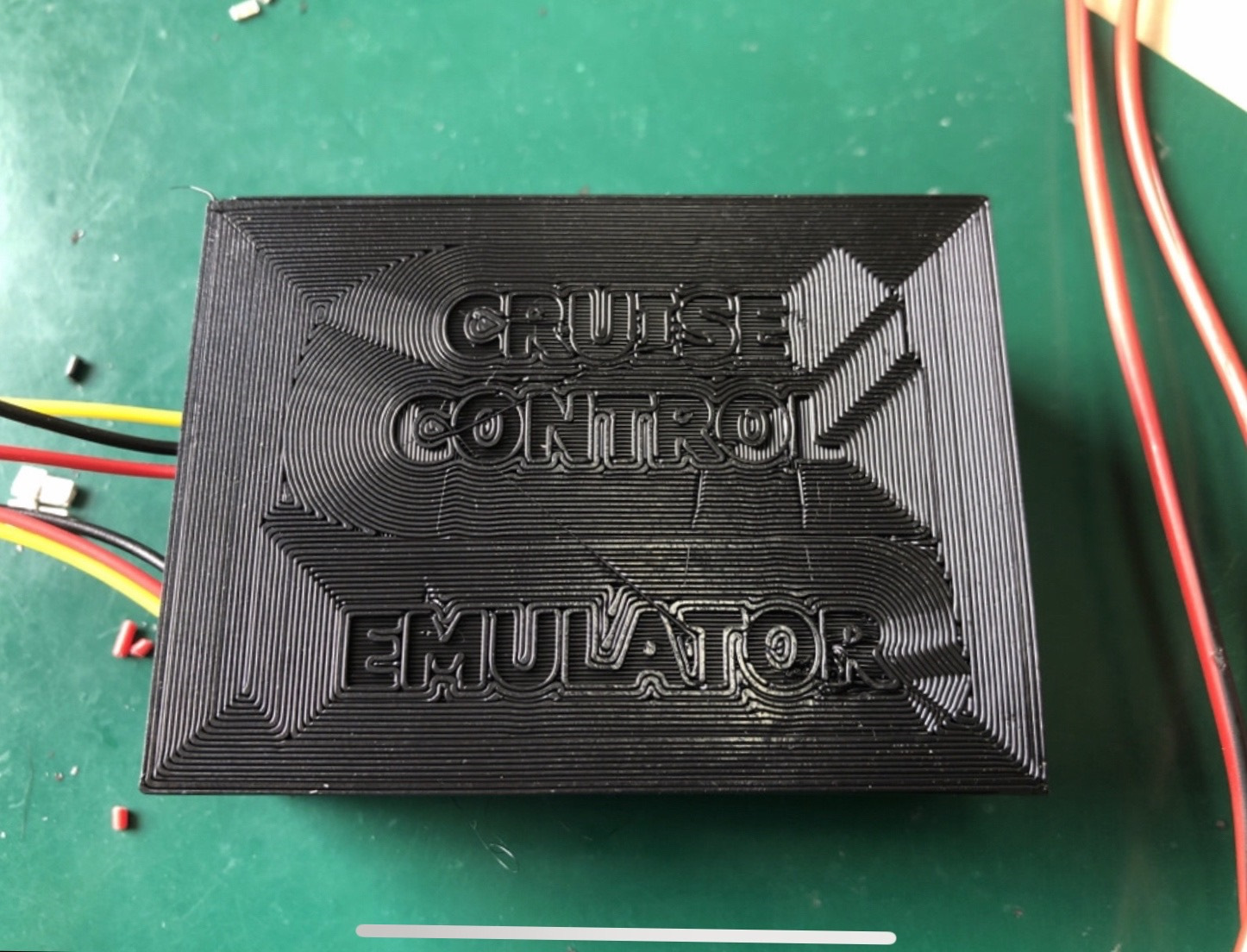
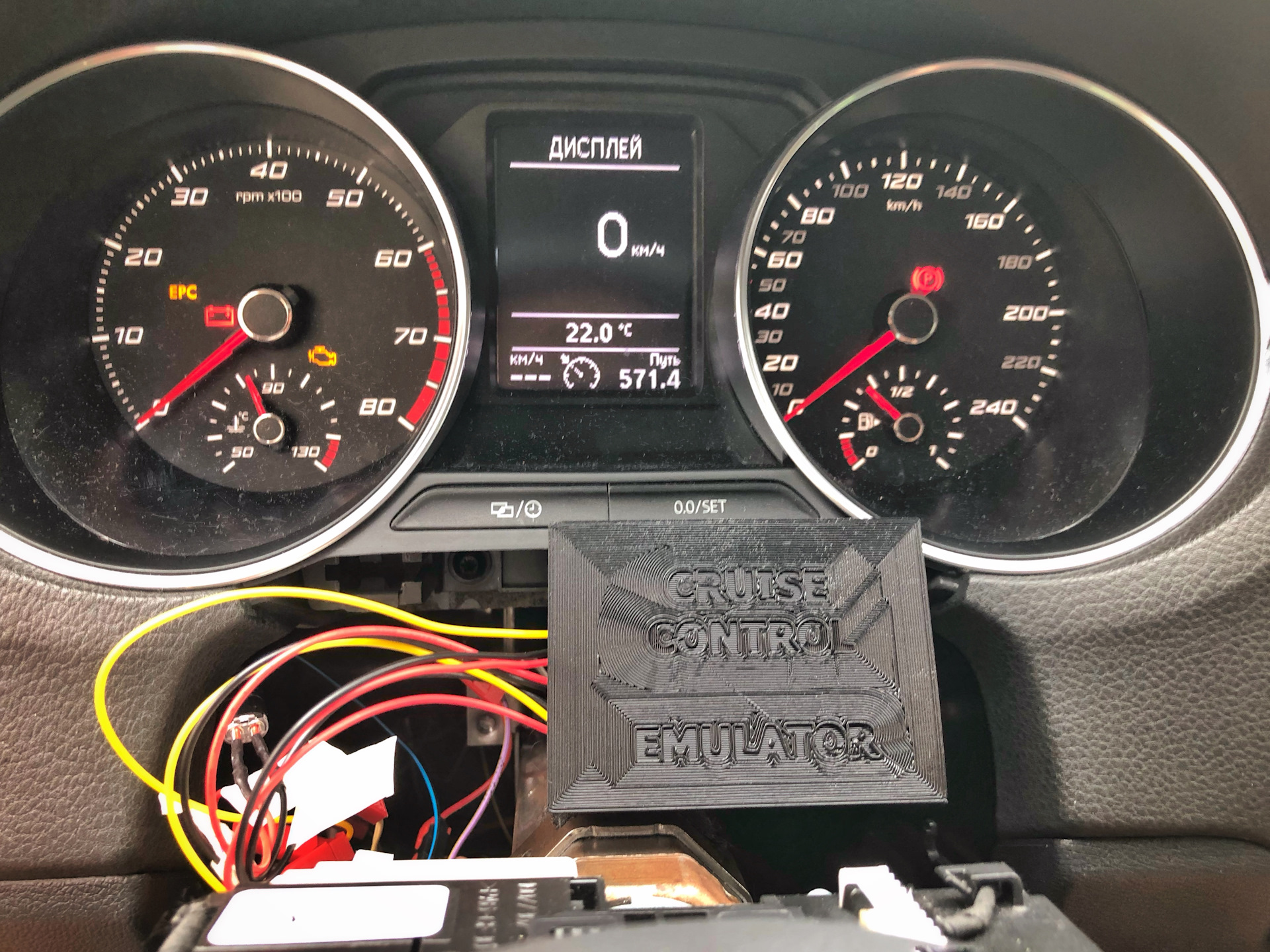
After a long debugging phase and 4000 km of testing, a dedicated PCB (two iterations) was designed with its own 3D-printed enclosure.
Two firmware versions are available:
- with GRA-High – +/- 10 km/h step on the +/- buttons
- without GRA-High – approx. 5 km/h step (for CFNA and similar engines with a different GRA algorithm)
Note for owners of the CFNA engine (Magneti Marelli): this ECU uses a different GRA algorithm than the Bosch units, which affects the speed step on the +/- buttons. Make sure you order the correct firmware version.
Compatibility
The emulator works on any PQ25-platform car fitted with stalk-operated cruise control and a steering wheel with CCS buttons. It works on PQ25 only – not on PQ35 or MQB.
Compatible models: VW Polo 6R/6C, VW UP, VW T5/T6, VW Amarok, Seat Ibiza 6J, Skoda Fabia II/III, Skoda Rapid and other PQ25 cars.
UPDATE (2022): new-generation touch steering wheels
After a firmware update, the emulator also supports new-generation touch steering wheels (e.g. from the VW Golf VIII). It requires recoding the buttons and a new firmware version. The wheel itself costs around €450.
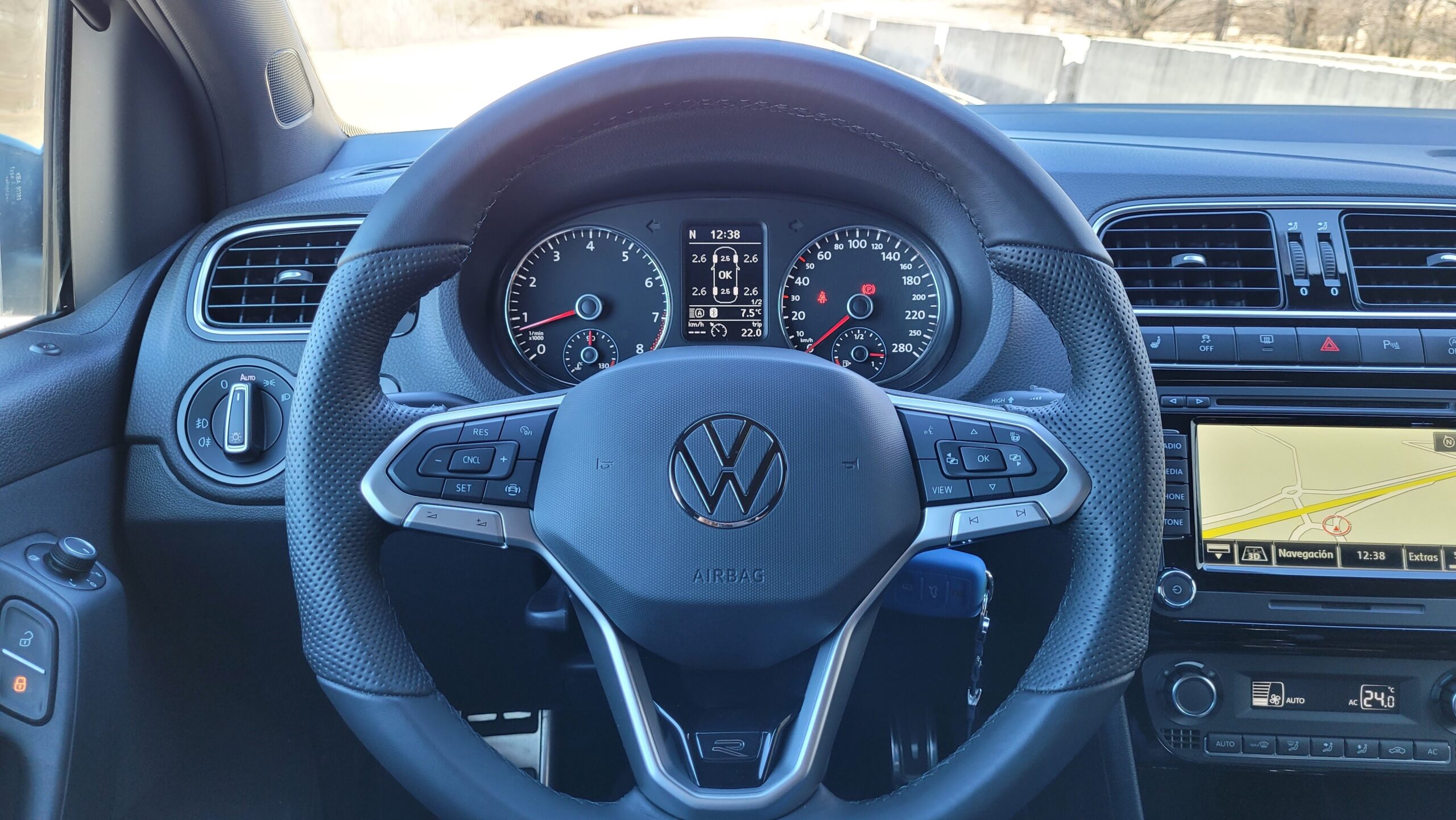
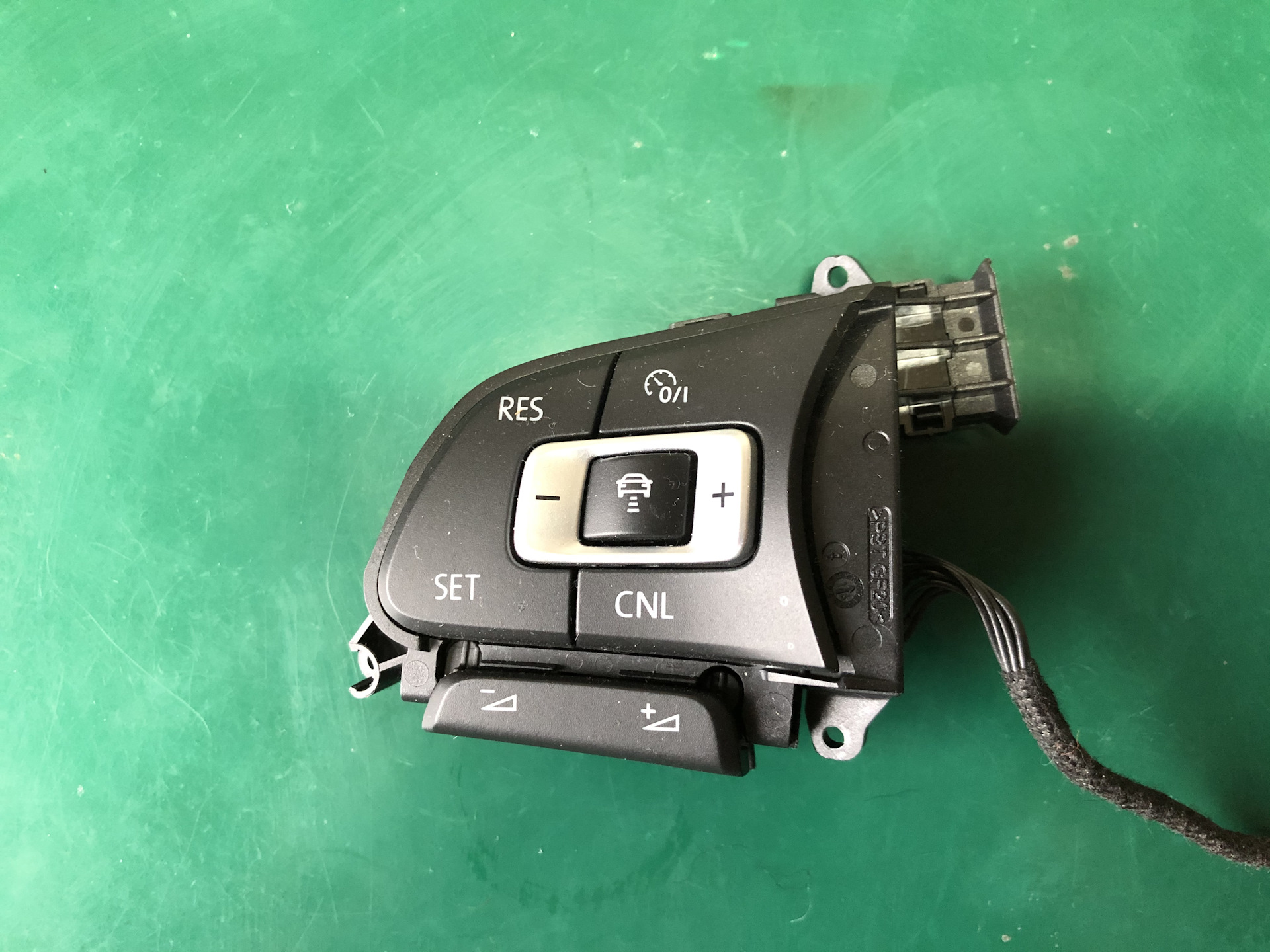
Required steering wheel buttons
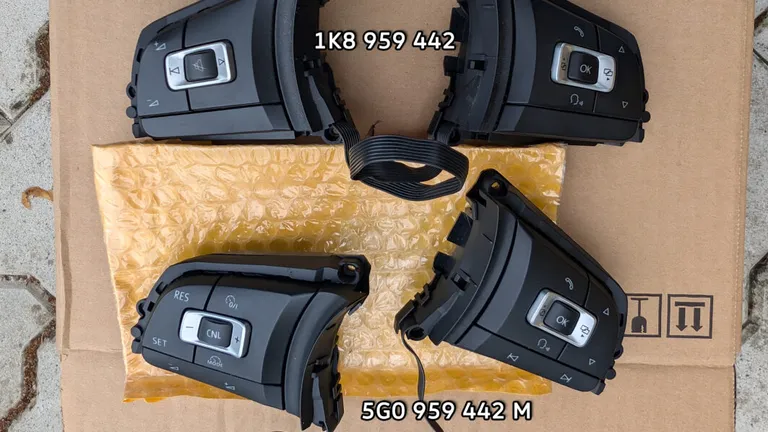
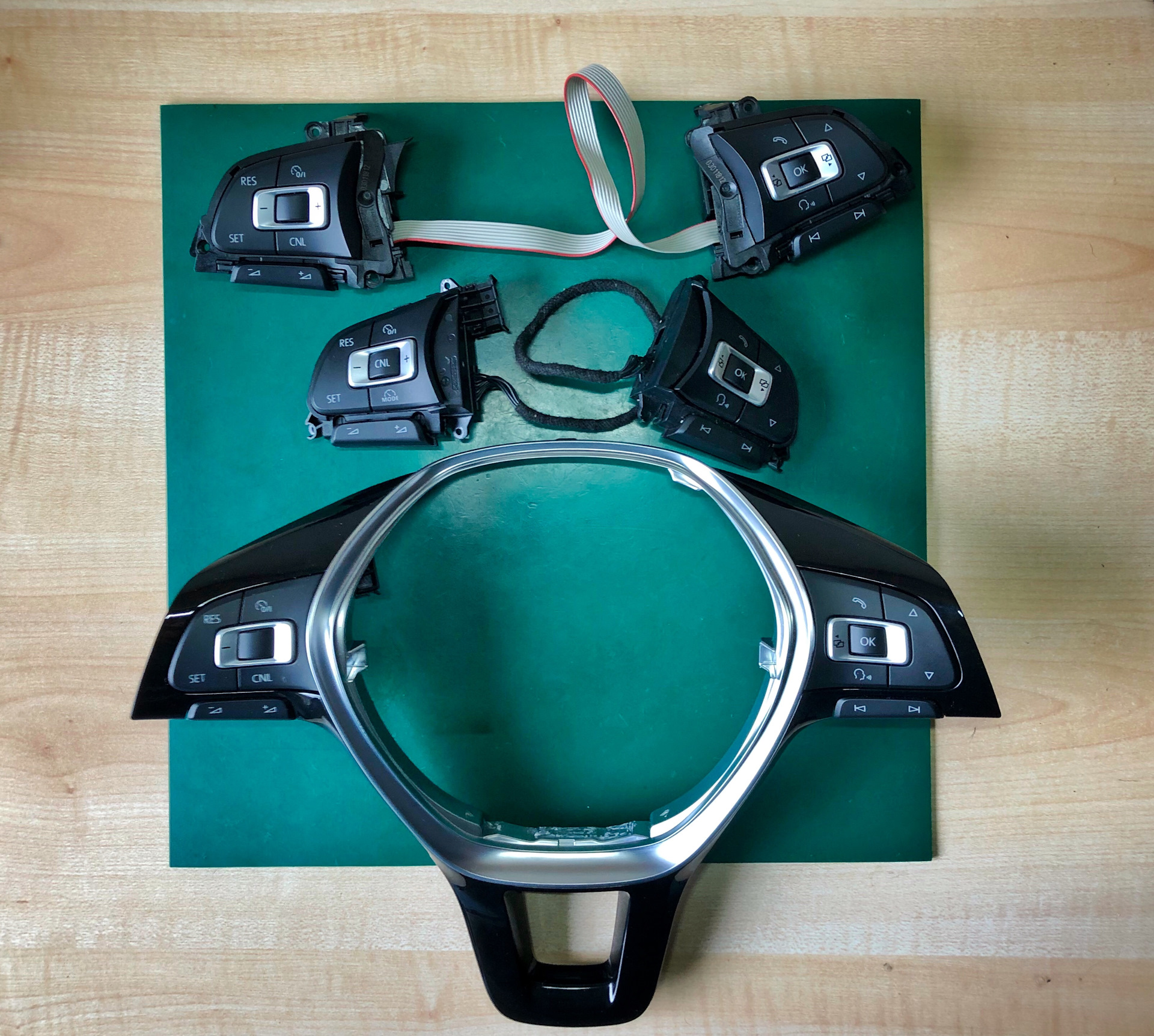
The emulator supports many MFL button models. Ciclo – one of the first users – tested both the white and the red backlit versions and confirmed: both work identically to the original buttons. The difference is purely aesthetic.
| Part number | Donor vehicle | Cancel button | Backlighting | Notes |
|---|---|---|---|---|
| 5G0959442M | VW Golf VII | ✅ centre | ⬜ white | Cancel conveniently between the +/- buttons |
| 2G0959442M | VW Polo 6C | ✅ centre | 🟥 red | colour matches the Polo interior better |
| 6C0959442C | VW Polo GTI 6R | ✅ on the side | 🟥 red | Cancel isn’t in the centre |
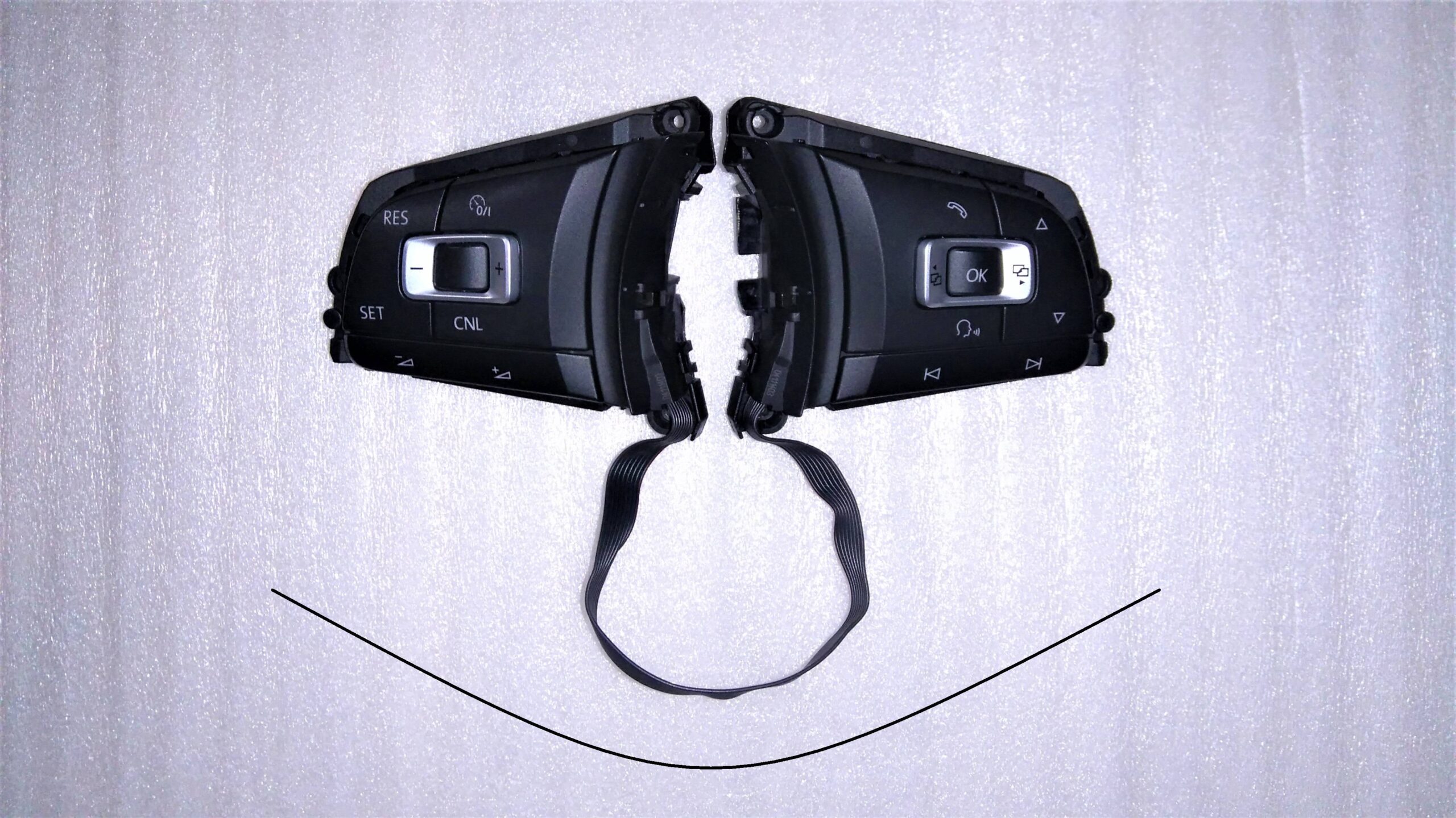
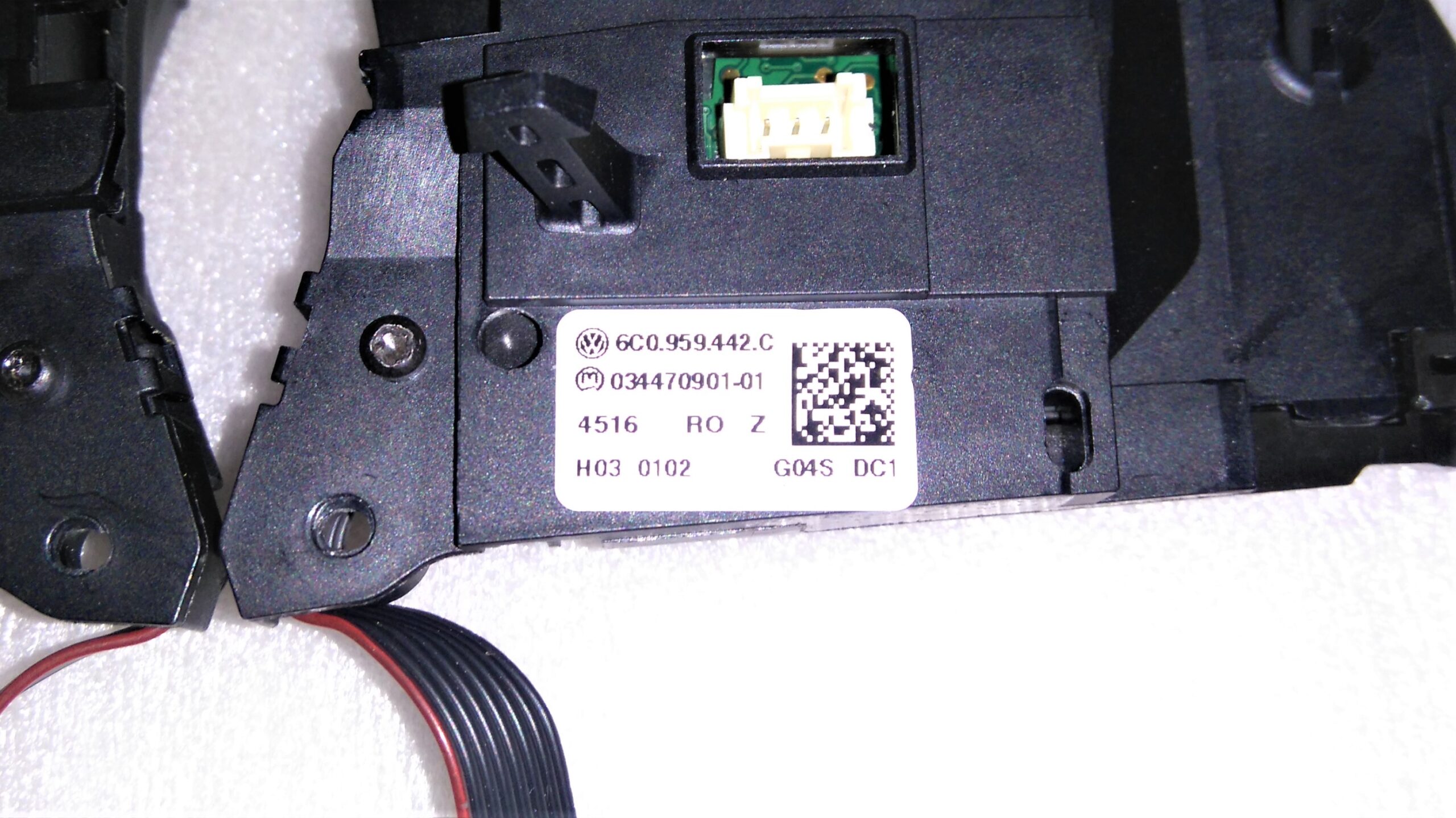
When choosing between the 5G and the 2G, it’s worth considering your interior lighting colour. The white LEDs from the Golf (5G) may look inconsistent with the red ambience of the Polo interior. Ciclo deliberately chose the 5G for the more convenient Cancel button position – in the centre, between the +/- buttons.
The stalk as a backup – keep both control methods
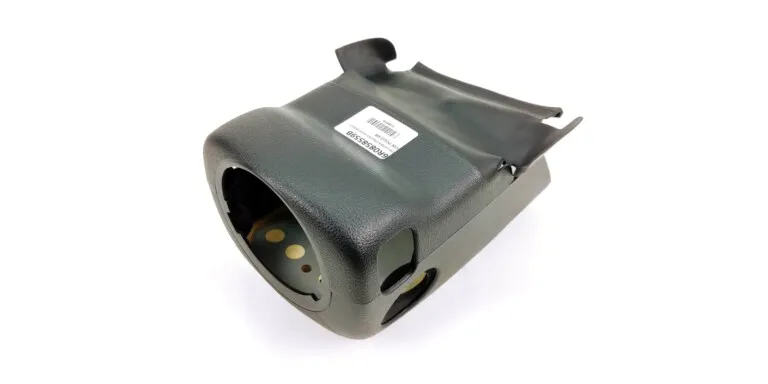
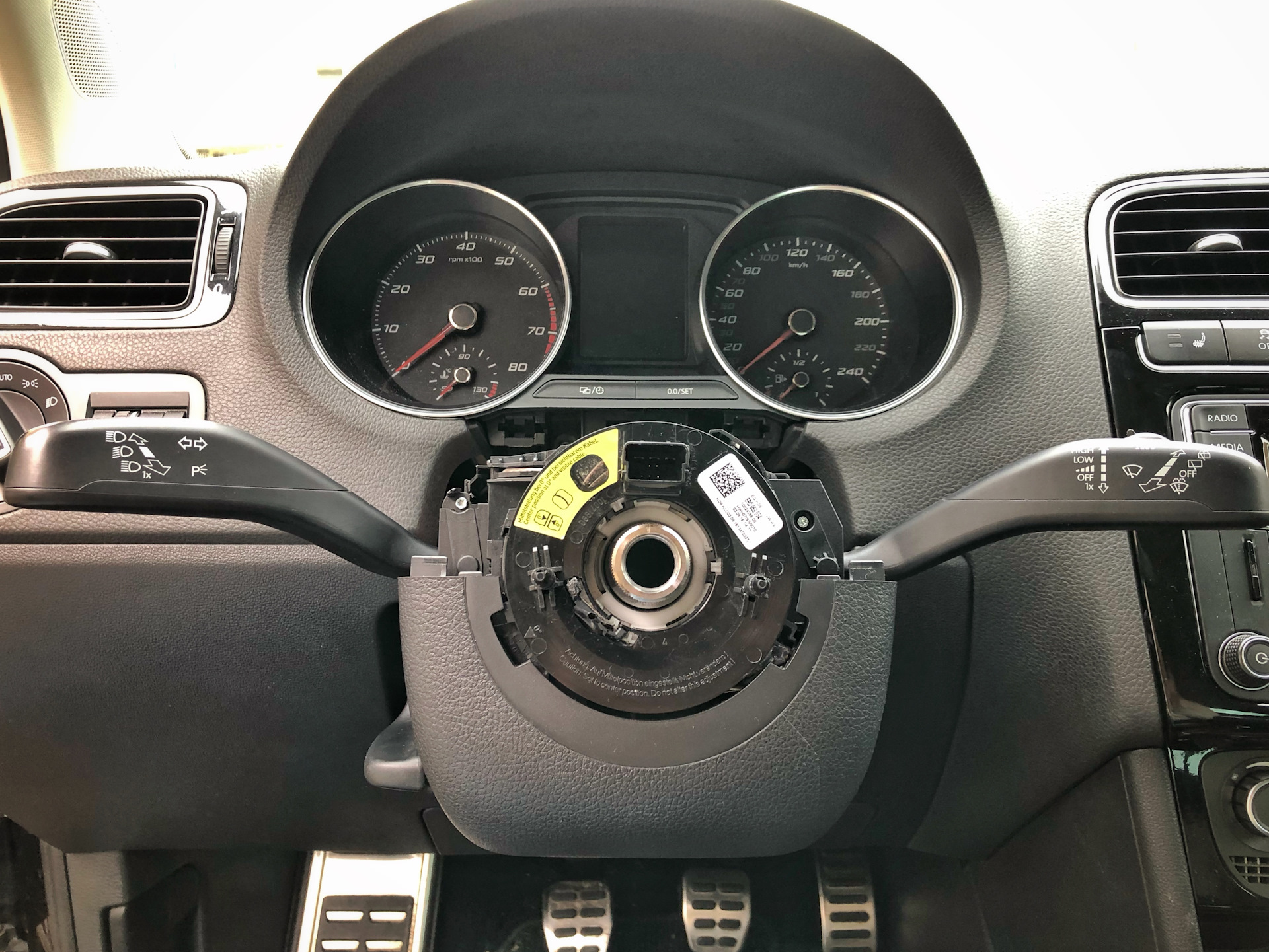
It’s worth keeping the stalk (the column stalk switch) as a parallel way to control cruise control. During installation Ciclo wired up both at once – the steering wheel buttons and the stalk both work independently. It’s a sensible safeguard: if you ever have a problem with the emulator, cruise control still works the standard way.
Note after installation – VCDS
After installing the emulator, the MFL buttons disappear as a BCM subsystem in VCDS (address 09) – they no longer show up under the steering wheel connector. This is normal behaviour, not a fault. Ciclo confirmed a full autoscan with no errors after installation.
Where to buy / contact the author
The CCS emulator is available directly from the project’s author – MaDwArLoCk (Slavik):
Price: approx. €100.
See also
- Steering wheel cruise control – my installation – a step-by-step build report
- PQ25 BCM info – does your BCM support cruise control?
- Everything about the PQ25 platform